What you'll have at the end
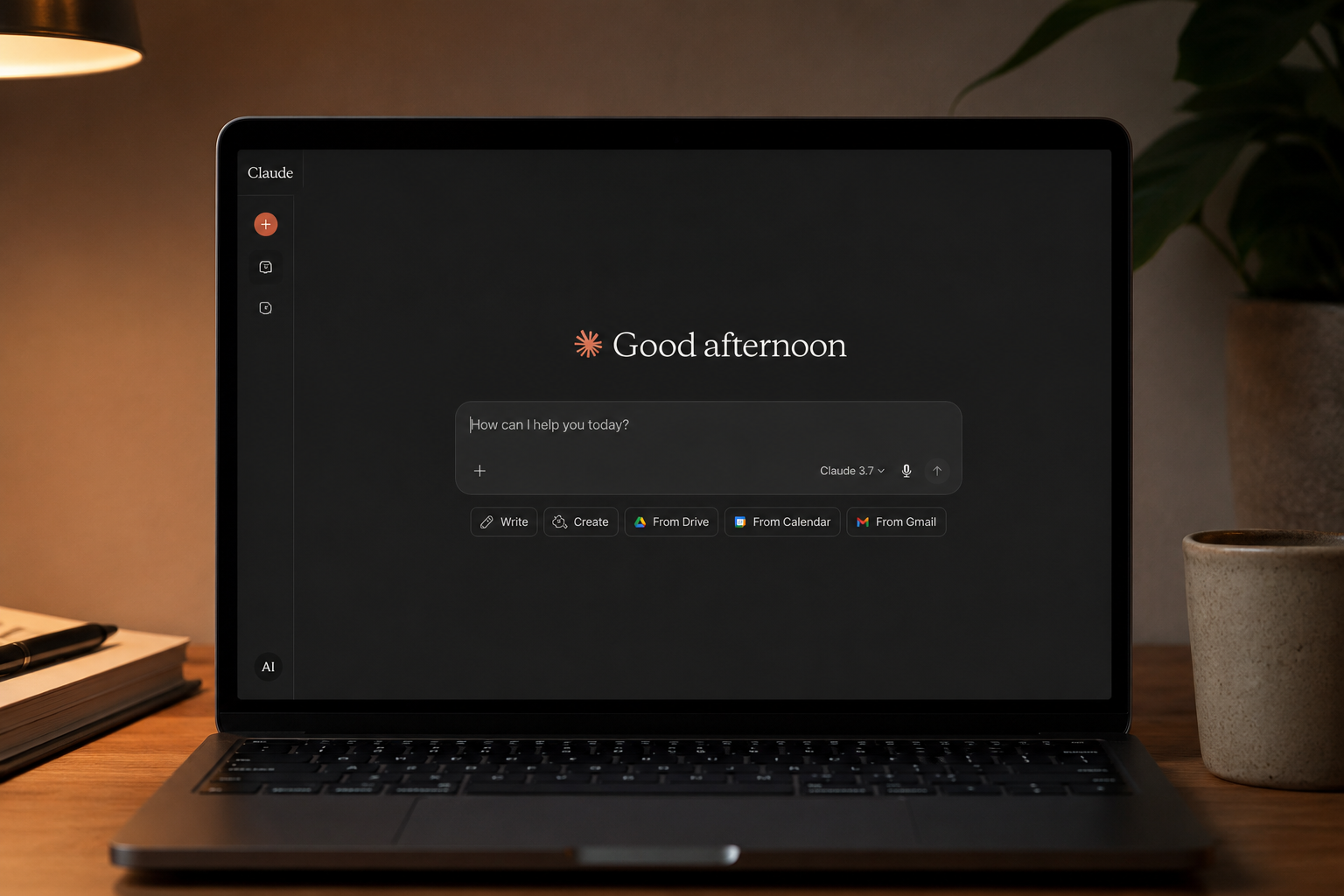
You will type something like "audit this campaign export" into Claude. It will detect the skill, read your CSV, apply the audit framework you wrote, and return a structured report with: wasted spend findings, CPA outliers, ad-group health flags, recommended next actions. Same shape, every time.
You will not be writing code. You will be writing one Markdown file with a clear job description.
Step 1 — Decide what the skill does (5 minutes)
One job, written down
The most common reason a first skill fails is that it tries to do too many things. Write down, in one sentence, the one thing this skill does. Everything else is out of scope.
Bad first skill: "PPC assistant that does audits, RSAs, search-term analysis, pacing, and Q&A." Good first skill: "Audit one Google Ads campaign from a CSV and return wasted spend, CPA outliers, and three recommended next actions."
The good version fits on a Post-it. The skill is named after the Post-it.
Step 2 — Create the folder (1 minute)
Two files, one folder
Your skill is a folder with a single file inside it called SKILL.md. That is it. Optionally, you can drop reference files alongside — a benchmarks table, a list of banned tokens, a CPA target by vertical. They are useful but not required for the first run.
~/.claude/skills/
└── campaign-audit/
    └── SKILL.md
On macOS, that folder lives in your home directory under .claude/skills. On Windows, same idea inside your user profile. Cowork mode reads it automatically.
Step 3 — Write the skill (10 minutes)
The five-section template
Every skill we ship at actcenter has the same five sections. Copy this, fill in the blanks, save.
---
name: campaign-audit
description: Audit a Google Ads campaign from a CSV export.
  Returns wasted spend, CPA outliers, ad-group health flags,
  and three recommended next actions. Triggers when the user
  shares a CSV named like "*-campaign-*.csv" or asks for a
  "campaign audit" or "wasted spend check".
---

# Campaign Audit

## When to use
Trigger when the user shares a Google Ads campaign CSV
and asks for an audit, a wasted-spend check, or a
"what's broken" review. Do NOT trigger for:
- Account-wide audits across multiple campaigns
- Keyword research (different skill)
- Ad copy generation (different skill)

## Inputs
- A CSV with at least these columns: campaign, ad group,
  cost, conversions, conversion value, clicks, impressions
- Optionally: target CPA, currency
- If the CSV is missing a required column, ask once
  before proceeding; do not infer.

## Method
1. Compute portfolio metrics: total cost, total
   conversions, blended CPA.
2. Flag ad groups with cost > $50 and zero conversions
   in the period (wasted spend candidates).
3. Flag ad groups with CPA > 2x portfolio average
   (CPA outliers).
4. Flag ad groups with impression share < 30% and
   conversions > 0 (scale candidates).
5. Return a structured report.

## Output format
- Section 1: Portfolio snapshot (4 numbers)
- Section 2: Wasted spend candidates (table)
- Section 3: CPA outliers (table)
- Section 4: Scale candidates (table)
- Section 5: Three recommended next actions, in
  priority order, each one specific enough to act on
  this week.

## Constraints
- Never invent numbers not present in the CSV.
- If a section has zero rows, say "None found" instead
  of fabricating examples.
- Currency in the output must match the CSV.
That is the whole skill. About 40 lines of Markdown. The front matter at the top (name, description) is what Claude reads to decide whether to invoke the skill. The five body sections are how it actually does the work.
Step 4 — Test it (3 minutes)
Run it on one real CSV
Open a new Claude chat in Cowork mode. Drop a Google Ads CSV in. Type: "audit this". That is it. If the skill is named and described well, Claude detects it and runs.
What to watch for on the first run:
- Did the skill trigger? If Claude tries to wing the analysis instead of invoking the skill, the description in the front matter is not specific enough.
- Are the numbers right? Open the CSV in a spreadsheet. Recompute the portfolio totals yourself. They should match exactly.
- Are the next actions specific? If you get "improve CPA in underperforming groups," the skill did not work. If you get "pause 'brake repair near me' in the Carlsbad ad group — spent $84 with 0 conversions in 14 days," it worked.
Step 5 — Lock it down (5 minutes)
Add the validator and the no-fly list
The first version of any skill is fragile. Two small additions move it from "works on my machine" to "works on Monday."
Add benchmarks as a reference file
Create benchmarks.md next to SKILL.md with the CPA target ranges you actually use. Reference it from the skill. This stops Claude from inventing thresholds.
# Benchmarks

Auto repair (US):       $35–$80 per lead
Auto repair (Canada):   $40–$95 per lead
Roofing:                $80–$220 per lead
Schools / education:    $25–$60 per lead
SaaS B2B:               $120–$400 per MQL
Add a no-fly list
Inside the skill, under "Constraints", add a section listing the things this skill must never do. The big ones for PPC: invent numbers, infer missing columns, make recommendations that touch live bidding without a 14-day cool-off note, use the words "best" or "guaranteed" or "#1".
The no-fly list is short but it kills 90% of the embarrassing failure modes.
The gotchas we ran into so you don't have to
Gotcha 1 — Skills do not see your screen
Claude can read files you drop in or attach. It cannot see your Google Ads UI. The skill is CSV-driven, not screenshot-driven. We tried both. CSV wins by a wide margin for repeatability.
Gotcha 2 — Description is the trigger
If your skill is not being invoked, the problem is almost always the description field. Make it explicit: which file shapes trigger, which phrases trigger, what does not trigger. Claude reads this every time you start a new chat.
Gotcha 3 — Skills do not memorize
Each Claude session starts fresh. If your skill needs context (client name, currency, target CPA), pass it in or have the skill ask once at the top of the conversation. Do not rely on the previous chat.
Gotcha 4 — The 200-line ceiling
Skills longer than about 200 lines start to lose coherence. If your skill is growing past that, split it. We run a dozen short skills before we run one long one.
What this scales to
The campaign-audit skill is the first one we built. We now ship around fifteen of them, one for each repeatable task in the agency workflow: search-term review, pacing report, RSA writer, tCPA Health Check, daily briefcase, weekly client email. Each one is 80 to 200 lines of Markdown, each one does one thing.
That is the entire system that runs the AI side of actcenter. Not a model — a folder of skills. The model just executes them.
The pattern, repeated
One job. One Markdown file. One validator. One no-fly list. The first skill takes 20 minutes. The fifteenth takes three.